Problem
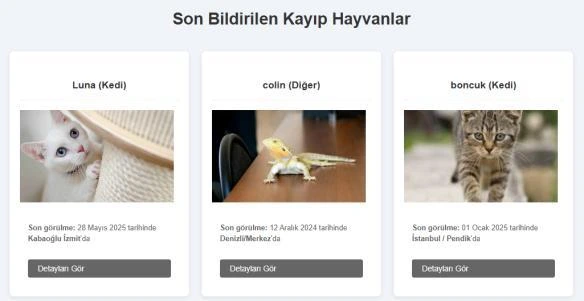
A lost-pet photo becomes more useful when a witness can explain where and when the animal was seen. Our two-person team built PetFinder around that handoff: publish a listing, submit a photo-based sighting and contact the owner through the platform.
Full-stack implementation
The backend uses Django ORM, Forms and authentication. The frontend uses Django Templates, page-specific CSS and JavaScript. SQLite stores listings, user profiles, tags, sightings and messages.
Pet and Tag have a many-to-many relationship, listings have multiple sightings and each user has a one-to-one profile. The model supports multiple tags and witness reports for the same listing.
User workflows
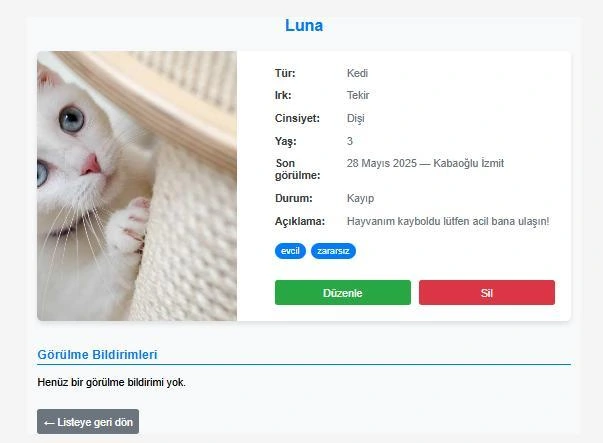
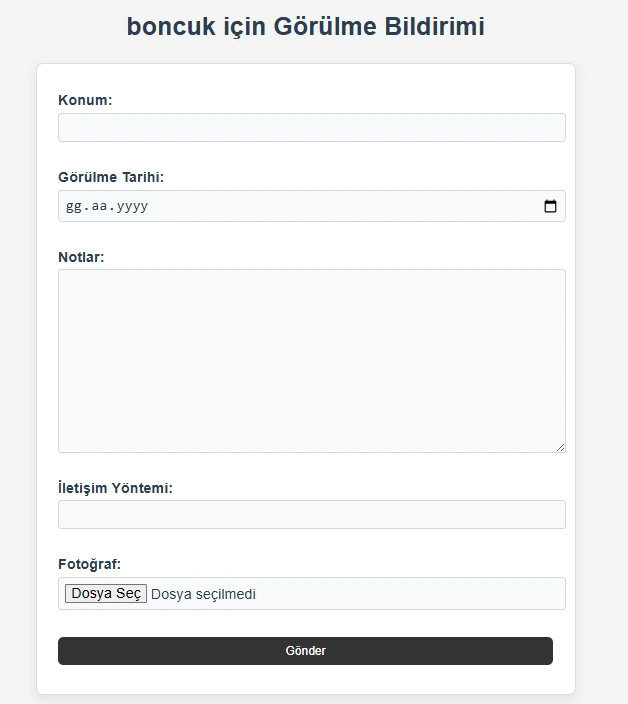
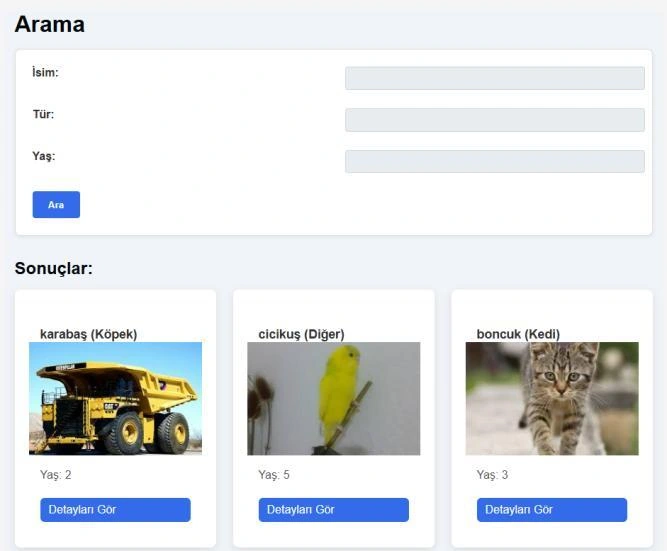
Users can create listings and edit or delete their own entries. Search supports name, species and age. A sighting form collects location, date, notes, contact preference and a photo.
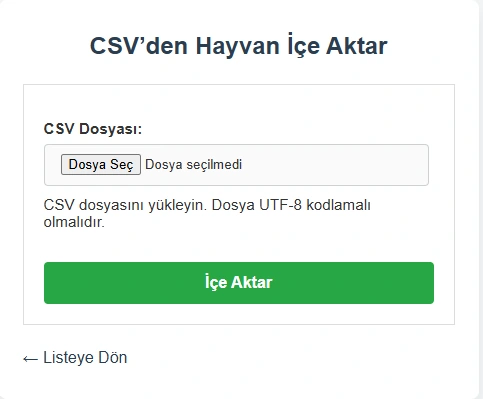
Account features include registration, login/logout, profile photos and password flows. Users can export their listings to CSV or import new records. Custom management screens complement Django’s standard admin interface.
Messaging and design decisions
Messages store sender/receiver relationships, timestamps and read state. The browser retrieves updates through HTTP polling every five seconds; this version does not use WebSockets.
Django form and view classes are extended through inheritance. Models, forms, views and templates separate data handling from presentation. Listing updates and deletion enforce ownership in database queries.
Result and remaining work
The application implements listing CRUD, photo-based reports, search, accounts, CSV transfer and messaging. The initial version has no automated functional test suite, and access checks need to be made consistent across admin tag and message endpoints. An adoption data model exists, but a complete adoption workflow is not part of this version.